- Click on the Season icon- > Office Tools -> Season Query…
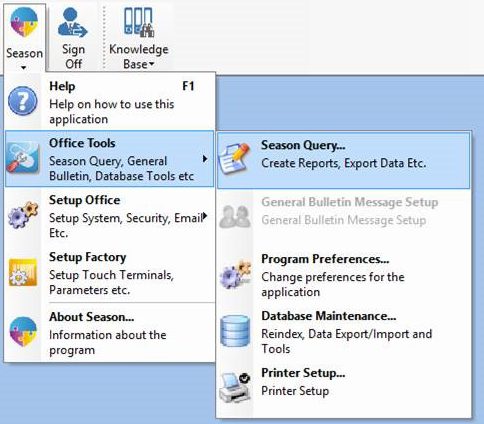
- This will bring up the ‘Query Definition’ program.
- Click on the folder icon at the top of the window to select a pre-defined query (highlighted in the image below).

- This will bring up the standard Windows file open dialog.
- Query definitions are stored in a folder per user. It may be necessary to navigate to the correct folder to find the query definition to be run.
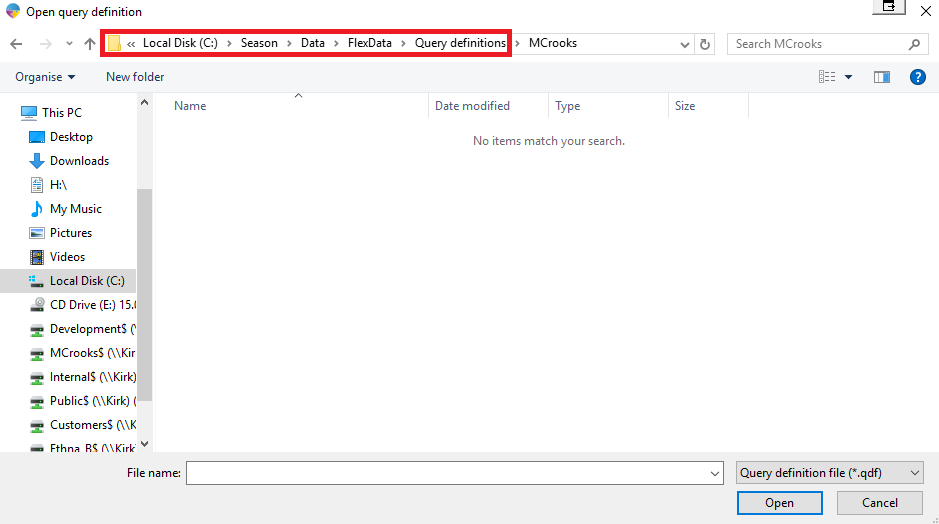
- Double click on the Query you wish to open. This will load the query definition.
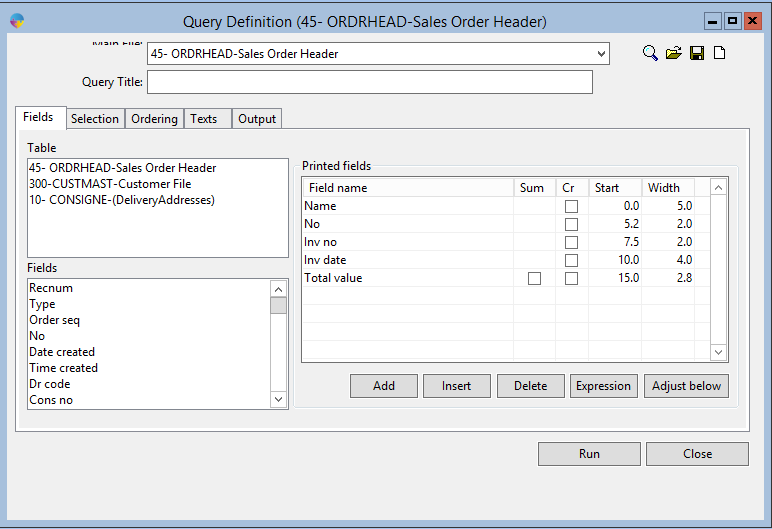
- Click in to the ‘Selection’ tab to amend any of the selection criteria as necessary.
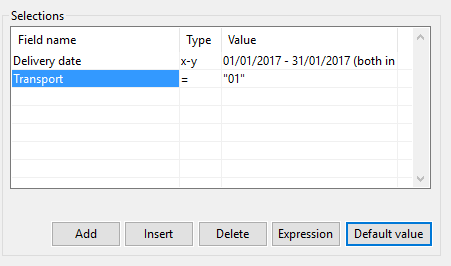
- Click on the ‘Default Value’ button to enter in the new criteria. This will popup a form to enter in the new values.
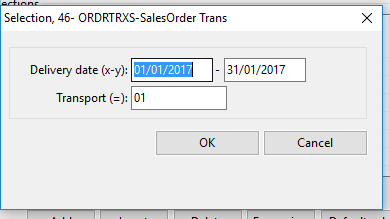
- Enter the values and click OK.
- Now click on the ‘Output’ tab to select output criteria.
- If outputting to a file you will need to make sure the file path is valid.
- If outputting to a printer, click the ‘Printer’ button to set printer options.
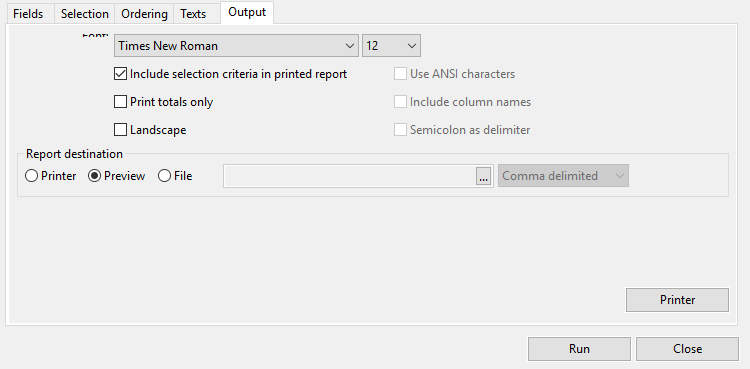
- Click on the ‘Run’ button to run the report.